Best Way To Gather Photos From A Group
You hosted an incredible event and everyone took photos—you saw the flashes, watched people capturing moments, know hundreds of great shots exist across 50-100 phones. Three months later, you've gathered maybe 15% because the traditional "can everyone send me their photos?" text disappears into the void, email requests get ignored, and Facebook posts compress quality into unusability.
The best way to gather photos from a group isn't begging afterward—it's creating frictionless upload system during the event that channels natural photo-taking into automatic collection. This guide shows exactly how to gather 75-85% of group photos within 24 hours instead of chasing people for months and still collecting only 10-20%.
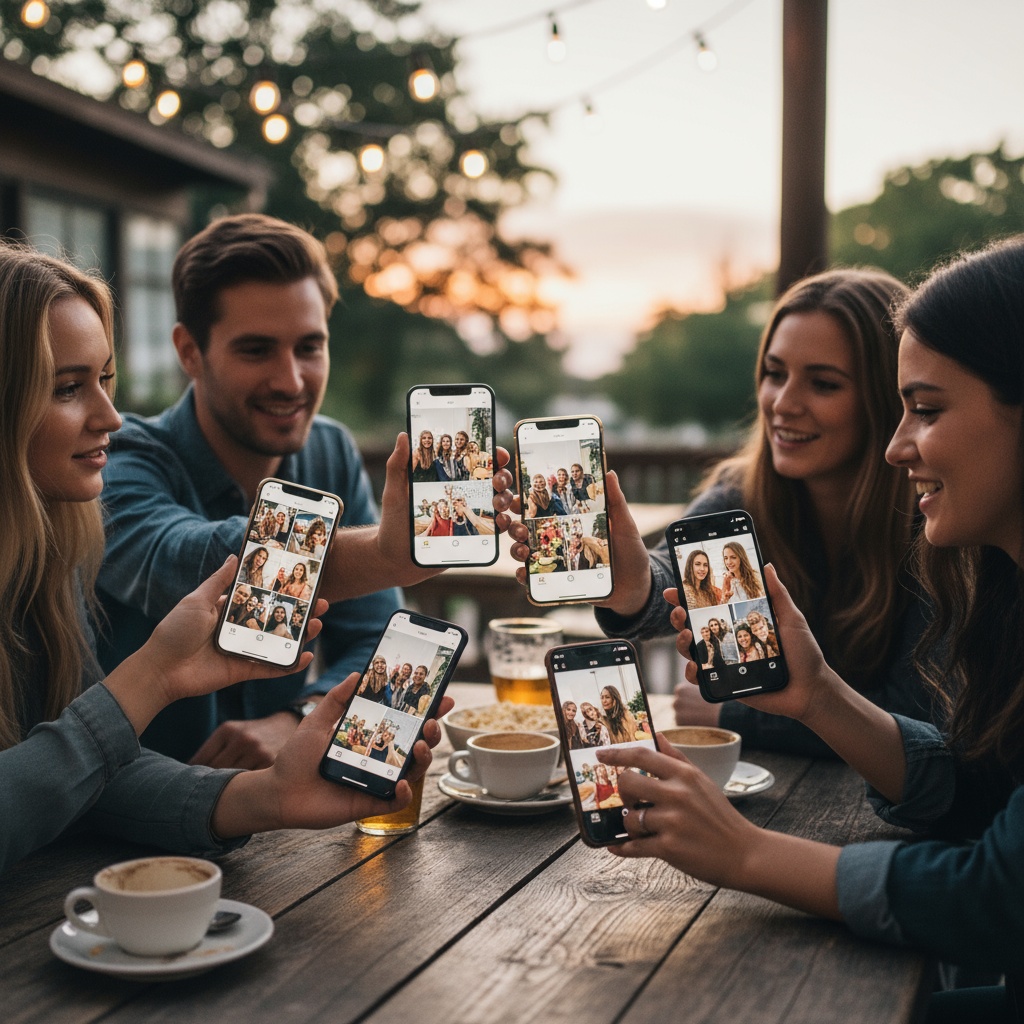
Why Photo Gathering Fails
The post-event group text: "Can everyone send me photos from last night?"
Immediate chaos:
- Which photos? All of them?
- How to send? (File size limits in messages)
- Reply-all nightmare with 47 people
- Photos buried in thread within hours
- Result: 10-15% send a few photos, rest forget
The email request: More organized, same problem. People intend to send photos, life gets busy, request gets buried, weeks pass, photos deleted to make space, opportunity lost forever.
The cloud folder link: Google Drive or Dropbox shared folder with upload permissions.
Why it fails:
- Requires account sign-in (friction)
- Desktop-oriented interface (photos are on phones)
- Confusing upload process for non-technical users
- "I'll do it when I get to my computer" → never happens
- Result: 20-30% participation from tech-savvy subset only
The social media hashtag: "Post photos with #EventName2026!"
Problems:
- Platform-specific (excludes non-users)
- Photos compressed (unusable for printing)
- Privacy concerns (public posts)
- You must manually hunt/download from multiple platforms
- Result: 40% participation, low quality, scattered collection
Learn more about collecting photos from groups.
The Best Way: During-Event QR Code Gathering
Stop chasing photos afterward. Gather automatically during event.
How It Works
Setup (5 minutes before event):
- Create event on photo platform (Fotify or similar)
- Platform generates unique QR code
- Print QR code on signs (home printer works)
- Place signs throughout venue (10-15 locations)
During event (automatic):
- Guests see QR code on welcome table/bar/tables
- Scan with phone camera (built-in, no app)
- Browser upload page loads
- Select photos → tap upload
- Photos flow into gallery automatically
- Optional: Display on screens in real-time
After event (immediate access):
- All photos in organized gallery
- Download all at once (bulk download)
- Share gallery link with group
- Photos preserved permanently
Time per guest: 15 seconds from scan to upload Participation rate: 75-85% vs 10-20% with post-event requests
Step-by-Step Photo Gathering System
1. Choose Platform (Free or Paid)
Free tier appropriate for:
- Small groups (under 30 people)
- Limited budget
- Photo cap 50-100 sufficient
- 7-30 day access enough
Paid plans necessary for ($25-$75):
- Groups over 50 people
- Unlimited photos
- Extended storage (1 year+)
- Live display features
- Professional events
2. Create Event
Essential information:
- Event name (helps people remember context)
- Date (photos auto-organize chronologically)
- Optional: Cover photo
- Privacy setting (password or open link)
Output:
- Unique QR code (auto-generated)
- Sharing link (backup for older phones)
- Gallery URL
3. Design Signage
Effective QR sign includes:
- Large QR code (3x3 inches minimum)
- Event name/date
- Simple 3-step instructions
- Visual appeal
Example:
Family Reunion Photos 🎉

[Large QR Code]

1. Point camera at code
2. Tap notification
3. Upload your photos

No app required!
4. Strategic Placement
For 80-person event, place 10-12 QR codes:
Priority locations:
- Entry/welcome area (100% of guests pass)
- Food/buffet area (guests linger)
- Bar (high traffic + wait time)
- Seated areas (downtime during meals)
- Bathrooms (phones already in hand + downtime)
Spacing: Distribute throughout venue, multiple reminders as people move
5. Announce Feature
Timing:
- Welcome speech mentions it
- Reminder midway through event
- Final call before people leave
Messaging: "We'd love to see your photos! Scan the QR codes around the venue to share—takes 10 seconds and no app needed!"
6. Download and Share
After event:
- Bulk download all photos
- Backup to cloud + external drive
- Share gallery link with entire group
- Set access duration (30 days to permanent)
Photo Gathering Method Comparison
| Method | Participation | Ease for Group | Quality | Speed | Cost |
|---|---|---|---|---|---|
| QR Code During-Event | 75-85% | Very Easy (15 sec) | Full Res | 24-48 hrs | $0-$75 |
| Post-Event Email Request | 10-15% | Medium (attachments) | Variable | Months | Free |
| Group Text Request | 10-20% | Hard (size limits) | Compressed | Weeks | Free |
| Google Drive Link | 20-30% | Hard (sign-in) | Full Res | Weeks | Free |
| Social Media Hashtag | 40-50% | Easy | Compressed | Days | Free |
| USB Physical Collection | 100% (in-person) | Very Hard | Full Res | Weeks-Months | $10-20 |
Winner: During-event QR code gathering delivers highest participation, best quality, fastest collection at minimal cost.
Advanced Gathering Techniques
Live Display Motivation
Connect TV/projector to gallery:
- Photos appear on screens as uploaded
- Social proof drives participation
- "I want to see mine on the big screen!"
- Increases participation 40-60%
Result: 40% participation without display → 75-85% with display
Gamification
Create friendly competition:
- "Most uploads wins prize"
- "Photo scavenger hunt" (upload photo with X, Y, Z)
- "Best photo selected by vote"
- "First 20 uploaders get special gift"
Impact: 15-25% participation boost
Pre-Event Sharing
Send QR code before event:
- Text/email to attendees
- "Save this QR code for tomorrow!"
- Behind-the-scenes pre-event photos (setup, prep)
- Gets people familiar with system
Result: Higher day-of participation from advance familiarity
Troubleshooting Photo Gathering Issues
Problem: Low participation despite QR codes
Solutions:
- Increase QR visibility (more locations, larger signs)
- Announce multiple times (welcome + midpoint + closing)
- Enable live display (demonstrates functionality)
- Group leaders/hosts upload first (social proof)
- Add incentive (best photo wins prize)
Problem: "I don't know how to scan QR codes"
Solutions:
- Include step-by-step instructions on sign
- Provide backup short URL for manual entry
- Assign tech-savvy person to assist
- Reality: 97% of modern smartphones scan automatically—rare issue
Problem: Poor venue WiFi
Solutions:
- Provide WiFi password on signs
- Platform should support cellular data
- Photos queue if offline, upload when connected
- Bring mobile hotspot as backup
Problem: People uploading wrong event photos
Solutions:
- Clear event name on upload page
- Date visible for context
- Cover photo showing event visuals
- Moderate uploads if needed (review before displaying)
Best Way to Gather Photos FAQ
What is the easiest way to gather photos from a large group?
QR code platform where you generate code, place throughout venue, group members scan and upload instantly during event—delivers 75-85% participation within 24 hours. No app download, account creation, or post-event chasing required. Works on all smartphones universally. Cost $0-$75 depending on group size. Alternative free methods (email requests, social media) deliver only 10-50% participation over weeks-months.
How do you collect pictures from a big group?
Create event on photo sharing platform, generate QR code, share via text/email/print before and during event. Group scans code with phone camera, browser opens, upload photos in 15 seconds—no apps required. Place QR codes at event venue (if in-person) or share digitally (if dispersed group). Send 24-hour reminder. Most photos arrive within 48 hours vs weeks/months with traditional methods.
How can I get everyone in my group to send me photos?
Replace "send me" request with automatic upload system. Share QR code with group, they scan and upload in 15 seconds (vs manually texting/emailing which most forget). QR approach removes friction: no file size limits, no attachment hassles, no decision fatigue about which photos to send. Result: 75-85% compliance vs 10-20% with manual requests. Send one friendly reminder 24 hours after initial share.
What's the best free way to gather photos from friends?
Free tier photo platforms (50-100 photo limits) work for small groups under 30 people. Alternative: Google Photos shared album (requires Google account sign-in, reduces participation to 25-35%). QR code free tiers deliver higher participation because no sign-in required. For groups over 30 or expecting 100+ photos, $25-$45 paid plan worth investment to avoid hitting caps mid-gathering.
How long should I keep photo gathering open?
Keep QR code active for 3-7 days after event. 80% of photos arrive within 48 hours if you share immediately post-event and send 24-hour reminder. Extended windows (2+ weeks) don't significantly increase participation but delay when you can download and organize. Set clear deadline in messaging ("Upload by Friday to be included!") to create urgency.
Can I gather photos from people who weren't at the event?
Yes, share QR code or gallery link digitally with anyone. Useful for: extended family unable to attend (upload old photos for digital album), pre-event preparation photos (setup, rehearsal), post-event follow-up moments (morning-after brunch), collaborative photo projects with dispersed groups. QR code works remotely just as well as in-person—scan from phone anywhere with internet.
What if my group members have older phones?
QR scanning works on iPhone iOS 11+ (2017) and Android 8+ (2017)—covers 95%+ of smartphones. For rare older phones, provide backup short URL for manual browser entry. Include both QR code and URL on signs/messages. Text-based URL works on any device with browser. Extremely few people will need URL fallback—QR works for vast majority.
How do I organize photos after gathering from a group?
Download all from platform (bulk download feature), create folders by category (event segments, locations, people), use photo management software (Google Photos, Apple Photos, Lightroom) for facial recognition and auto-sorting, tag/label by source if needed, delete duplicates and unusable shots, backup to cloud + external drive. Time required: 2-4 hours for 300-500 photos—do while memories fresh.
Can I gather videos from a group the same way?
Most QR code platforms focus on photo uploads for optimal performance and quick sharing. Check your platform's capabilities - some may support video uploads depending on your plan. For best results, focus on photo collection which uploads faster and works more reliably across all internet connections.
What's the success rate for gathering photos from groups?
QR code during-event approach: 75-85% participation within 24-48 hours. Post-event email requests: 10-15% over months. Post-event text requests: 10-20% over weeks. Google Drive links: 20-30% over weeks. Social media hashtags: 40-50% over days (compressed quality). USB physical collection: 100% but weeks-months timeline. During-event QR delivers highest participation because it captures natural photo-taking behavior with zero friction.
Making Photo Gathering Effortless
The best way to gather photos from a group isn't finding the perfect platform—it's eliminating friction between "person takes photo" and "you receive photo." Every obstacle (app downloads, sign-ins, confusing interfaces, post-event requests) cuts participation in half.
QR codes during events remove all obstacles: scan with camera, upload in browser, done in 15 seconds. No apps, no accounts, no follow-up chasing. Natural photo-taking channels into automatic collection.
The formula:
- QR codes (10-15 locations for in-person events)
- Clear instructions (3 steps maximum)
- Strategic timing (during event, not after)
- Optional live display (social proof doubles participation)
- Result: 75-85% participation within 24 hours
Ready to gather photos from your group effortlessly? Create your event and generate QR code in minutes. From family reunions to corporate outings, photo gathering that actually works.
Explore more gathering strategies: event photo sharing and introduction to Fotify.
Photo gathering made simple—QR codes, instant uploads, and organized galleries that capture group memories effortlessly with Fotify.
Related Pages
Discover how Fotify can transform your events