Photo Sharing App: The Complete Guide for Events in 2025
The paradox of modern events: everyone takes hundreds of photos, but actually collecting them feels impossible. Text chains get buried, email requests go ignored, and that "I'll send them later" promise never materializes. Photo sharing apps solved this problem—when they work correctly.
This guide cuts through the noise to show you exactly what makes an event photo sharing app actually useful, which features matter (and which are marketing fluff), and how to choose the right platform for weddings, corporate events, and celebrations.
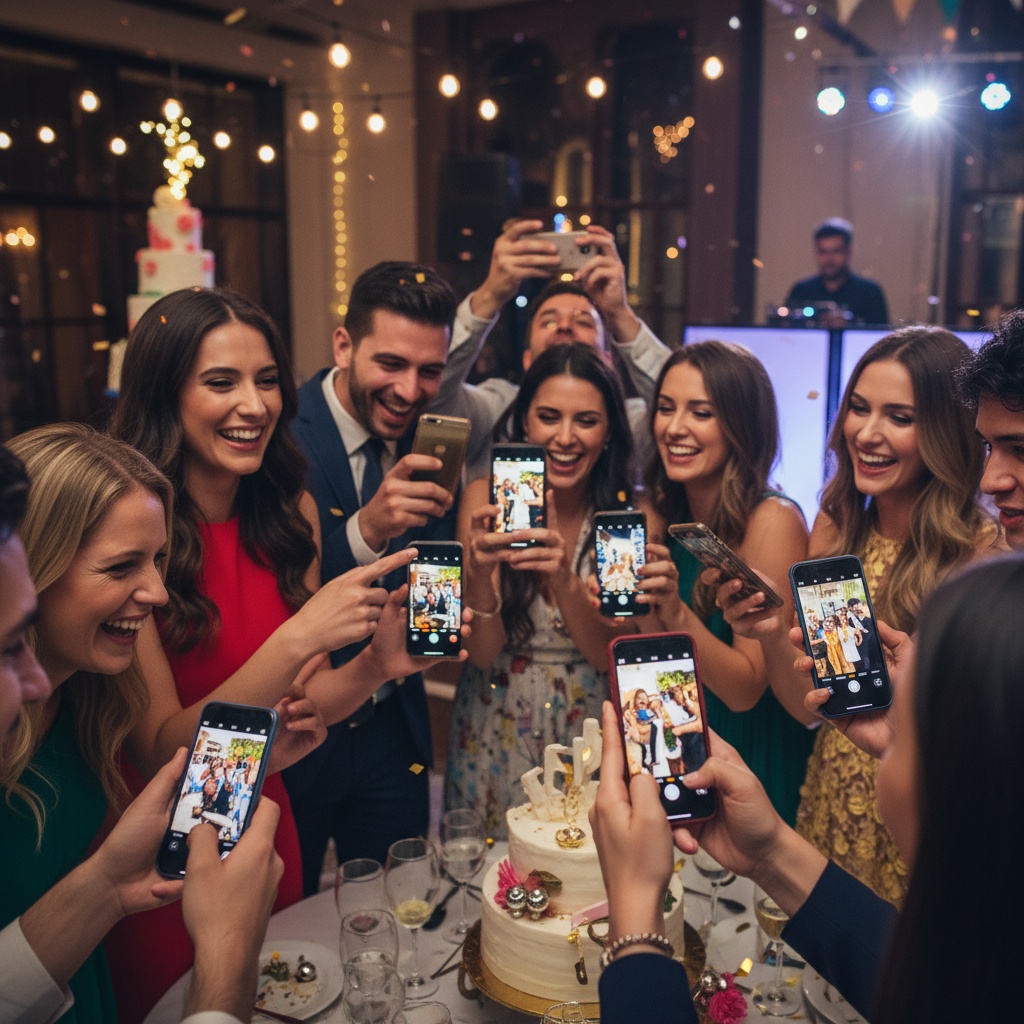
What is a Photo Sharing App (and Why Most Get It Wrong)?
A photo sharing app is a platform that lets multiple people upload, view, and download photos from a shared event or album. Sounds simple. In practice, most apps create more friction than they solve:
The download barrier: "First, download our app from the App Store..."—you've already lost 60% of guests.
The account wall: "Create an account to continue..."—another 20% gone.
Platform limitations: "Sorry, Android users can't upload to our iOS-only album"—30-40% excluded.
The complexity tax: Multi-step interfaces, confusing permissions, upload limits—participation craters.
The best event photo sharing apps eliminate every unnecessary step between "I took a photo" and "it's in our shared gallery."
Essential Features of Event Photo Sharing Apps
1. No-App-Required Upload
Why it matters: App downloads are the #1 participation killer. Friction compounds—guests need to find the app, wait for download, create account, find your event, then upload.
What works: Browser-based upload via QR code scan. Guest points phone camera at QR, taps notification, uploads directly through browser. Done in 15 seconds.
Real impact: 75-85% participation vs 20-30% with app-required platforms.
2. Universal Compatibility
Cross-platform basics:
- Works on iPhone and Android
- Functions on tablets
- Desktop browser access
- No OS version limitations
Why it's non-negotiable: Your wedding/event will have mixed devices. Excluding any group kills participation and creates frustration.
3. Real-Time Live Display
The engagement multiplier: When guests see their photos appear on screens during your event, something psychological happens—upload rates double.
Display options:
- TV/projector connection
- Carousel mode (photos rotate)
- Grid view (multiple photos simultaneously)
- Slideshow with timing control
- Instagram Stories-style vertical format
Practical setup: Connect a laptop/tablet to venue screen, open your event's display URL, photos appear as uploaded. Live photo walls turn passive photo sharing into active entertainment.
4. Content Moderation
Why you need it: At weddings and corporate events, you can't risk inappropriate photos appearing on public screens.
Two-tier approach:
- AI filtering: Automatic first pass screens obvious inappropriate content
- Manual approval: You or designated team member approves before public display
Guest experience: Their upload succeeds immediately (visible in private gallery), but you control what appears on screens.
5. Bulk Download
Post-event logistics: You want all photos in a single download, not 200 individual taps.
Look for:
- One-click "Download All" button
- ZIP file with organized folders
- Option to download by date/time
- Separate folders for approved vs all uploads
Choosing the Right Photo Sharing App
For Weddings
Must-haves:
- Elegant, customizable display
- Content moderation (for reception displays)
- Guest list integration
- Long-term storage (you'll want access for years)
- Photo downloads
Fotify excels here: Wedding photo sharing with QR codes, live walls, and unlimited storage.
For Corporate Events
Business requirements:
- Custom branding (logo, colors)
- Privacy controls (password protection)
- Multiple moderators (team access)
- Export options (for marketing use)
Scale considerations: Premium plans support 1,000+ attendees without performance degradation.
For Parties & Social Events
What matters:
- Quick setup (create event in minutes)
- Simple guest experience (scan and upload)
- Fun display modes (encourage participation)
- Cost-effective (free or low-cost tiers)
Flexibility: Start free, upgrade if needed. No commitment.
Photo Sharing Apps vs Traditional Methods
| Feature | Modern Photo Sharing App | Email/Text Requests | Social Media Tags | Cloud Shared Albums |
|---|---|---|---|---|
| Setup time | 5 minutes | None (ongoing pain) | None | 30+ minutes |
| Guest participation | 75-85% | 10-20% | 40-50% | 20-30% (iOS only) |
| Platform limits | Universal | N/A | Privacy concerns | iOS users only |
| Real-time display | Yes | No | No | No |
| Quality control | Yes (moderation) | Manual sorting | None | Limited |
| Post-event access | Organized gallery | Scattered chaos | Compressed quality | Works well |
| Cost | Free to $50 | Time = money | Free (privacy trade) | Included with Apple |
Modern photo sharing apps win on nearly every metric—when properly implemented.
How to Implement a Photo Sharing App at Your Event
Pre-Event Setup (15 minutes)
- Create your event on chosen platform
- Customize settings: Enable moderation, set privacy level, add custom branding
- Generate QR code for guest uploads
- Design signage: Create attractive signs with QR code and simple instructions
- Test with friends: Verify upload process works on multiple devices
Event Day Logistics
Display placement:
- Venue entrance: Welcome sign with large QR code
- Bar area: High-traffic location for extended scanning opportunity
- Tables: Small QR cards (one per table or every other table)
- Photo booth: Immediate upload after taking pictures
- Bathrooms: Guests have downtime and phone already in hand
Technical setup:
- Connect TV/projector to display device
- Load live photo wall URL
- Set display mode (carousel, grid, etc.)
- Enable moderation dashboard for approval queue
- Verify venue WiFi works (or use cellular hotspot backup)
Team briefing:
- Assign moderator for photo approval
- Brief DJ/MC on announcement timing
- Ask wedding party/team to scan early (demonstrate for others)
- Prepare simple explanation: "Scan the QR code to share your photos—they'll appear on the big screen!"
During Event
Participation triggers:
- MC announcement (2-3 times throughout event)
- Visible engagement (seeing photos on screen motivates others)
- Incentives: "Best photo wins a prize!" or "Most creative shot gets featured"
- Lead by example: Wedding party/corporate team demonstrates early
Monitor and adjust:
- Check upload rates every 30 minutes
- If low, increase announcements or add more QR code locations
- Moderate approval queue regularly (don't let backlog build)
- Troubleshoot tech issues proactively
Post-Event
- Download all photos
- Share gallery link with attendees (via email, text, or event website)
- Set expiration if desired (30 days, 1 year, or permanent)
- Use photos: Thank-you cards, social media, printed albums, marketing (corporate)
- Backup: Save to cloud storage and external drive for redundancy
Advanced Photo Sharing App Features
Guest Contributions Beyond Photos
Modern platforms support:
- Voice messages (audio wishes for weddings)
- Text notes (digital guest book entries)
- Reactions (emoji responses to photos)
- Location tags (where photo was taken)
Use case: Event walls combine photos with interactive elements for richer memories.
AI Enhancements
Smart features appearing:
- Automatic facial recognition (group photos by person)
- Duplicate detection (removes redundant shots)
- Quality filtering (highlights best photos)
- Auto-enhancement (brightness/color correction)
- Inappropriate content detection (supplements manual moderation)
Privacy note: Ensure platform stores photos securely and doesn't use them for AI training without consent.
Integration Capabilities
Connect with existing tools:
- Calendar sync (auto-populate event details)
- RSVP systems (match uploads to guest list)
- Email marketing (send gallery links via newsletter)
- Social media (controlled public sharing)
- Print services (order photo books directly)
Pricing: Free vs Paid Photo Sharing Apps
Free Tiers
What you typically get:
- Basic upload functionality
- Limited storage (10-50 photos)
- Standard display options
- Short access period (7-30 days)
- Platform branding
Good for: Small gatherings, testing platform, budget-conscious hosts
Paid Tiers ($20-$50 typical range)
Premium features:
- Unlimited photo uploads
- Extended/permanent storage
- Custom branding (remove platform logo, add yours)
- Advanced moderation tools
- Multiple team member access
- Priority support
- Analytics/insights
Worth it when: Weddings, corporate events, professional photography, brand-critical occasions
Pro Tip
Start free for testing or small events. Upgrade for important celebrations where premium features justify cost. Many platforms offer flexible pricing matching your needs.
Troubleshooting Common Issues
Problem: Low upload participation
- Solution: Increase QR code visibility, add verbal announcements, demonstrate early via wedding party/team, create friendly competition
Problem: Slow uploads
- Solution: Check venue WiFi strength, provide WiFi password near QR codes, confirm platform uses cellular data backup, test bandwidth before event
Problem: App confusion
- Solution: Simplify instructions ("Scan QR → Upload Photos"), use visual examples on signage, have team members assist older guests
Problem: Inappropriate uploads
- Solution: Enable AI + manual moderation, assign dedicated moderator, communicate guidelines clearly, remember you control screen display
Problem: Can't find photos later
- Solution: Download immediately after event, use cloud backup, check platform's storage duration policy, save gallery link in multiple locations
FAQs About Photo Sharing Apps
Do guests need to download an app to share photos?
Not with browser-based platforms like Fotify. Guests scan a QR code with their phone camera, which opens a web page where they upload photos directly through their browser. No app download, account creation, or login required—works on any smartphone.
What's the best free photo sharing app for events?
The best free option depends on event size. Fotify's free tier works well for smaller gatherings with basic upload and display features. For weddings or larger events, premium tiers ($20-$50) add unlimited uploads, custom branding, and extended storage that justify the cost.
Can photo sharing apps work without WiFi?
Yes, if they support cellular data uploads. Modern platforms let guests upload using their phone's data connection when venue WiFi is weak or unavailable. However, live display screens need internet (WiFi or hotspot) to show photos in real-time.
How do I prevent inappropriate photos at my wedding?
Use a photo sharing app with two-tier moderation: AI filtering automatically screens uploads, then you manually approve photos before they appear on public screens. Guests see their photos in the private gallery immediately, but only approved images show on displays during your event.
Which photo sharing app works on both iPhone and Android?
Browser-based platforms work universally because they don't require app downloads. After scanning a QR code, guests use their web browser to upload—this works identically on iPhone, Android, and tablets. Avoid iOS-only solutions like iCloud Shared Albums that exclude Android users.
How long do photos stay accessible after my event?
Storage duration varies by platform and plan. Free tiers typically offer 7-30 days. Paid plans range from 90 days to permanent storage. Check your platform's policy and download photos immediately after your event as backup.
Can I display photos live during my event?
Yes! Most modern photo sharing apps offer live display modes. Connect a TV, projector, or tablet to your event gallery, and uploaded photos appear in real-time as a carousel, grid, or slideshow. This feature dramatically increases guest participation—seeing photos on the big screen motivates more uploads.
Is my event photo gallery private?
Privacy settings vary by platform. Most offer password-protected galleries, limiting access to guests with the link and password. Some add facial recognition restrictions or guest list integration. Review your platform's privacy options and choose appropriate security level for your event type.
Making Event Photo Sharing Actually Work
The right photo sharing app transforms photo collection from a post-event chore into an engaging real-time experience. Your guests are already taking photos—you just need to remove every barrier between their camera roll and your gallery.
Three principles that ensure success:
- Eliminate friction: No downloads, no accounts, no confusion
- Make it visible: Live displays turn passive uploading into active participation
- Control quality: Moderation means you curate what appears publicly
Ready to collect hundreds of event photos effortlessly? Create your free event and test how modern photo sharing works. Perfect for weddings, corporate gatherings, birthday parties, and any celebration where memories matter.
For more insights, explore our guides on ultimate live photo sharing, QR code implementation, and why live sharing is essential.
Event photo sharing simplified with Fotify. No apps, no accounts, no hassle—just instant uploads and live displays that guests love.
Related Pages
Discover how Fotify can transform your events